
A comprehensive review of today’s flagship GPUs, benchmarking ray tracing, AI upscaling, thermals, acoustics, and power draw to clarify real-world gains-and which card delivers the best value for your workload.

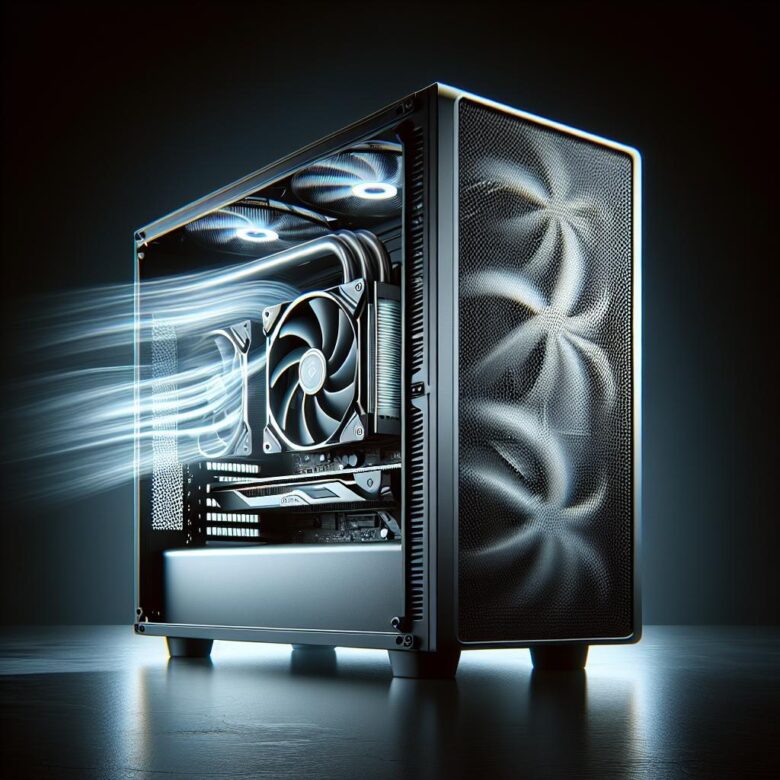
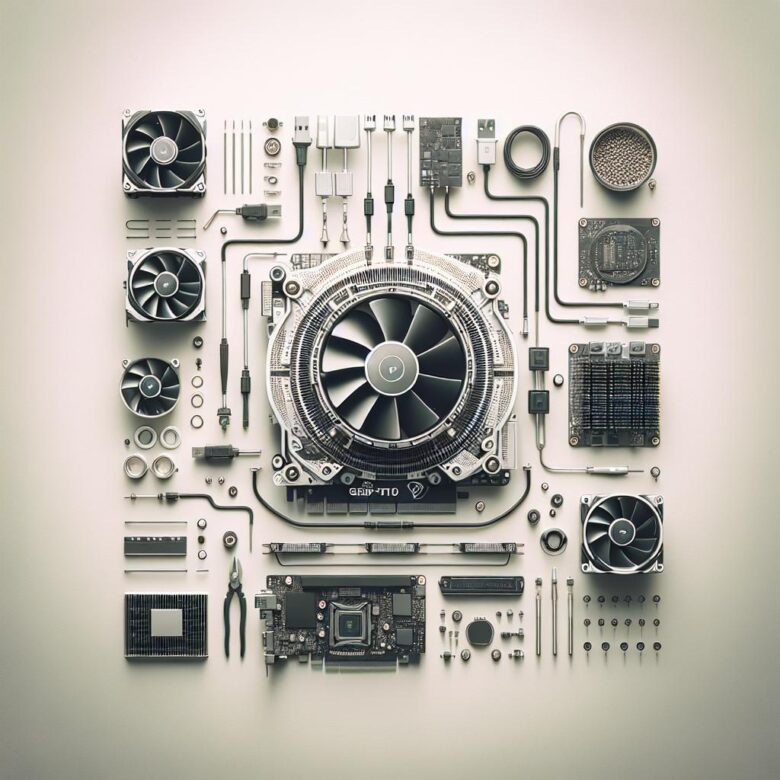
Optimize airflow with front intakes and top/rear exhaust, keep cables clear, and align fans to feed the GPU. Maintain slight positive pressure and use dust filters to sustain cooling performance.

Track FPS, temperature, power draw, and VRAM in real time with MSI Afterburner, HWiNFO, GPU-Z, and vendor suites; set alerts, log sessions, and pinpoint throttling before it hurts stability.
Top 5 GPUs for 4K ultra
- RTX 4090
- RTX 4080 Super
- RX 7900 XTX
- RTX 4070 Ti Super
- RX 7800 XT
Troubleshoot GPU crashes and artifacts by checking drivers, PSU stability, temps, and clocks. Reseat the card, test cables/ports, and run stress tools to isolate failing VRAM or overheating.
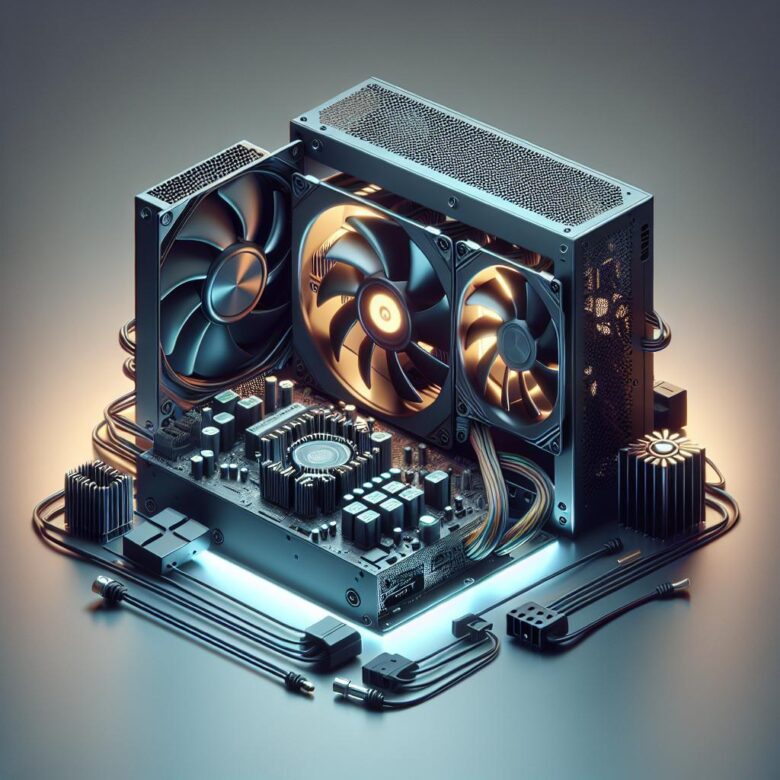
Match your GPU’s wattage plus a 30% buffer, pick 80 Plus efficiency, and ensure adequate PCIe 8-pin/12VHPWR connectors. Favor quality rails, protections, and reputable reviews.
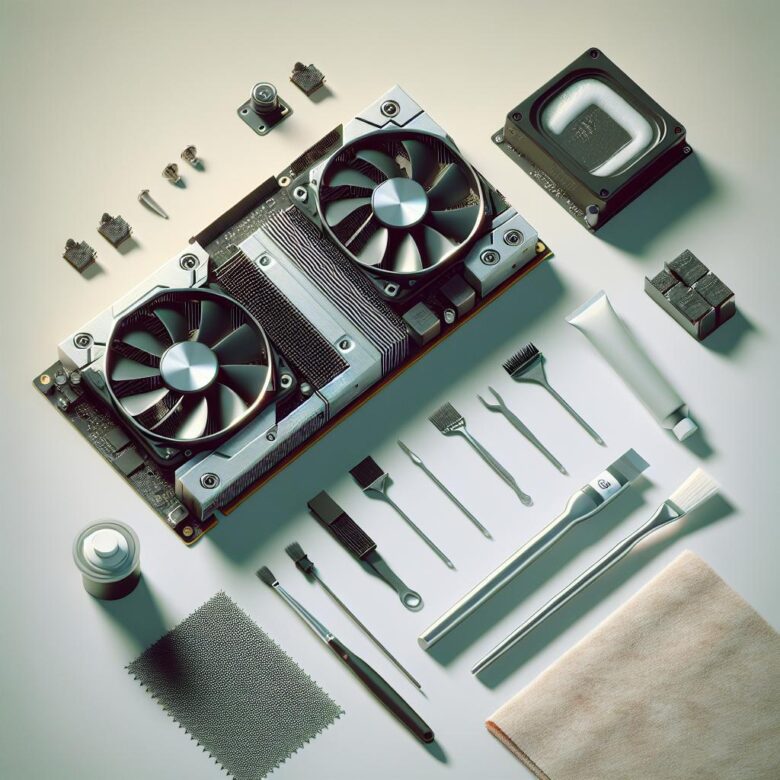
Power down, remove the cooler, and wipe old paste with 90%+ isopropyl alcohol and lint-free wipes. Apply a pea-sized dot of new compound, then re-seat screws evenly to restore temps.
Budget 1080p high-refresh gaming thrives on GPUs with strong raster and ample VRAM. Target 120-165Hz in esports; 60-120Hz in AAA with tuned settings and upscaling.
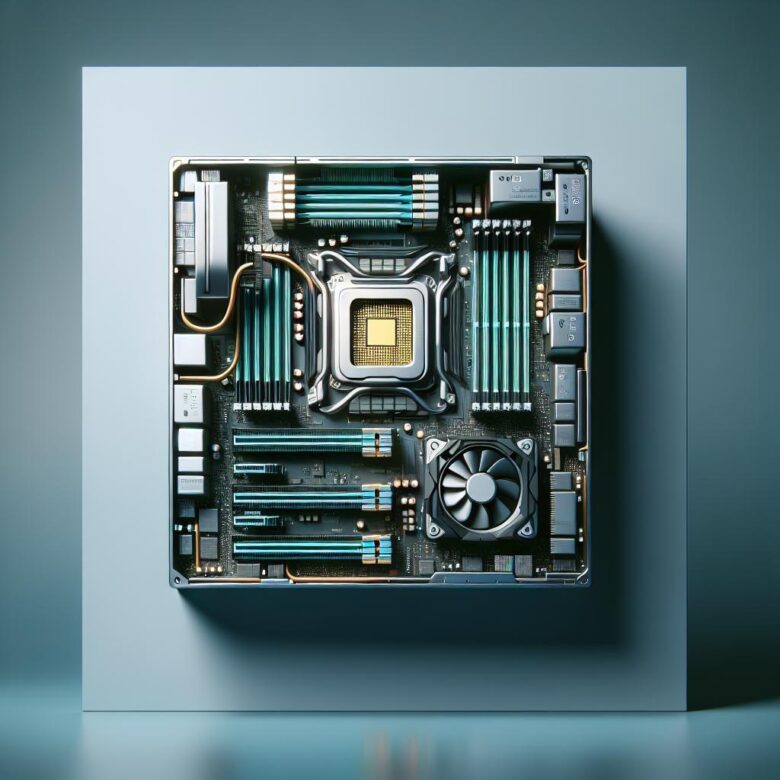
Balance CPU and GPU to match resolution and refresh rate-pair midrange GPUs with 6-8 cores, and flagship GPUs with 8-16 cores to minimize bottlenecks and smooth frametimes.
Undervolting cuts heat without major performance loss: monitor stock temps, lower voltage in small steps, stress-test stability, then save a stable curve to keep your GPU cooler and quieter.