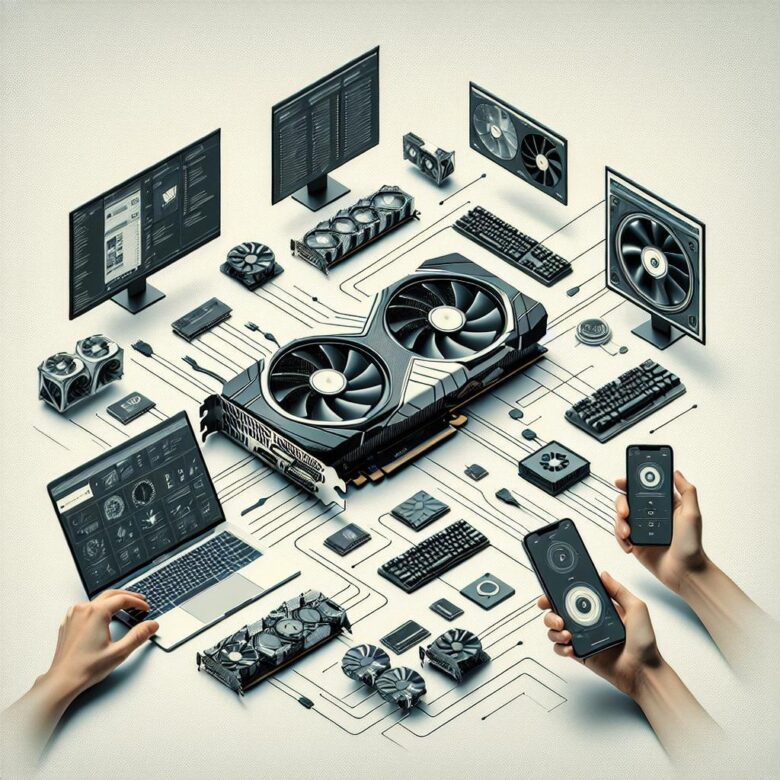
Track FPS, temperature, power draw, and VRAM in real time with MSI Afterburner, HWiNFO, GPU-Z, and vendor suites; set alerts, log sessions, and pinpoint throttling before it hurts stability.
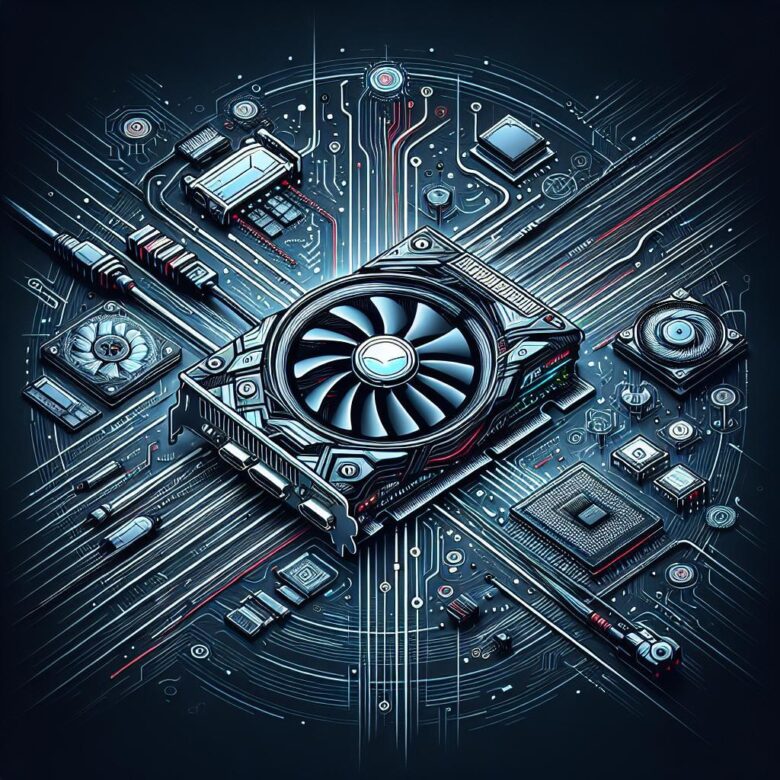
Troubleshoot GPU crashes and artifacts by checking drivers, PSU stability, temps, and clocks. Reseat the card, test cables/ports, and run stress tools to isolate failing VRAM or overheating.
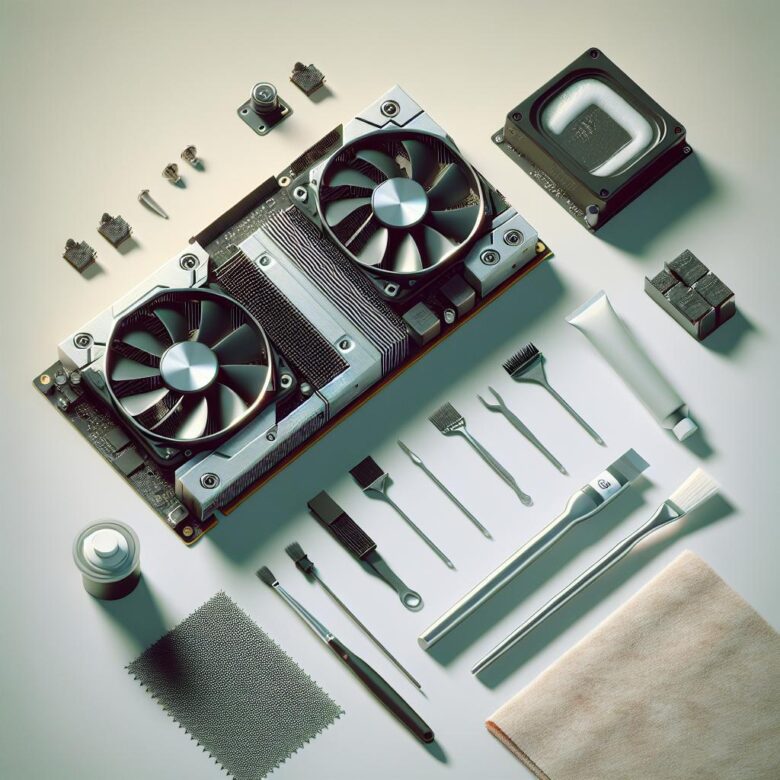
Power down, remove the cooler, and wipe old paste with 90%+ isopropyl alcohol and lint-free wipes. Apply a pea-sized dot of new compound, then re-seat screws evenly to restore temps.
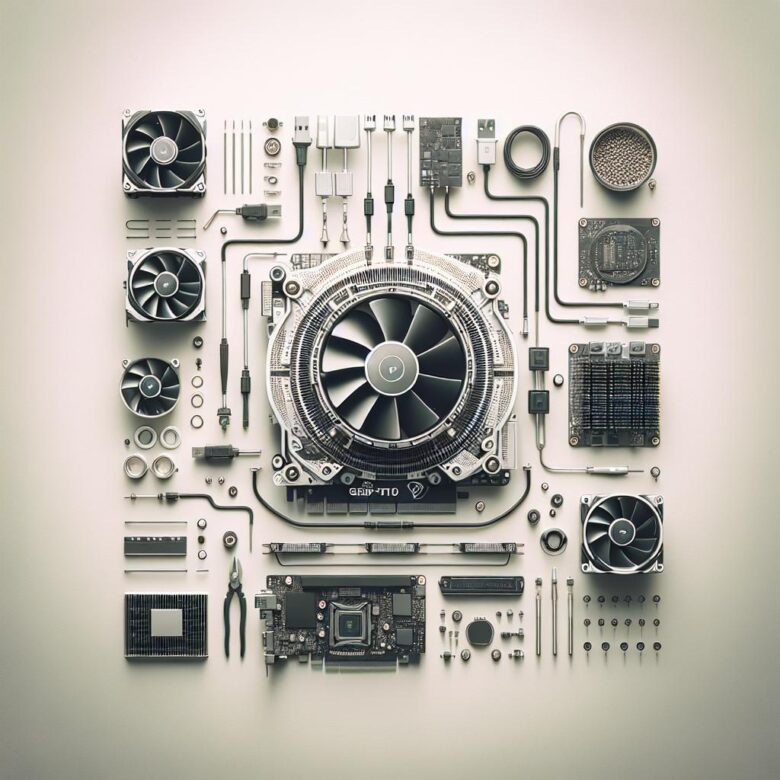
Undervolting cuts heat without major performance loss: monitor stock temps, lower voltage in small steps, stress-test stability, then save a stable curve to keep your GPU cooler and quieter.
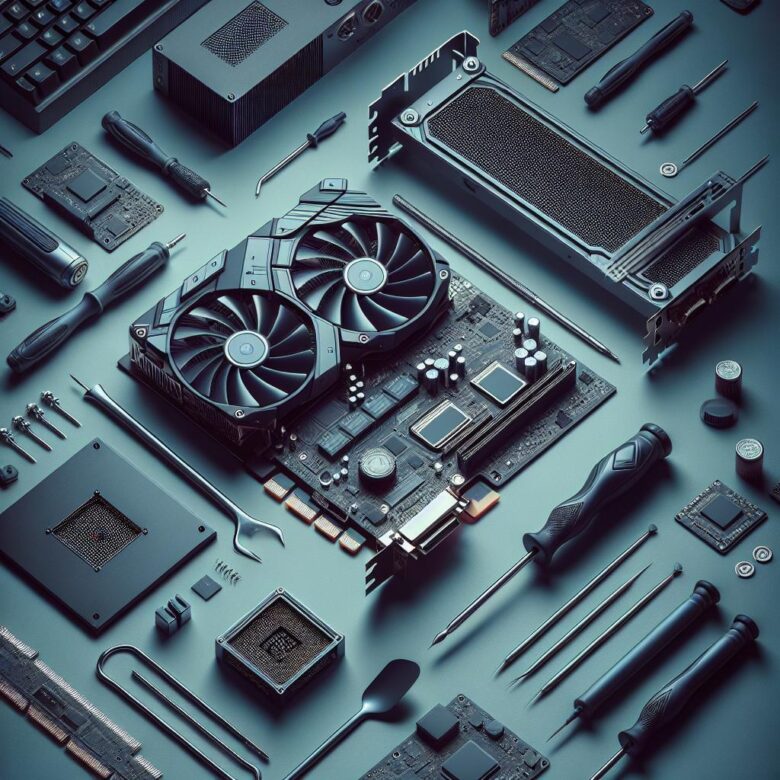
Overclock safely by raising GPU core and memory clocks in small steps, stress-testing each change, and monitoring temperatures; stop at artifacts, crashes, or unsafe thermals to keep FPS gains stable.