System Upgrades & Compatibility

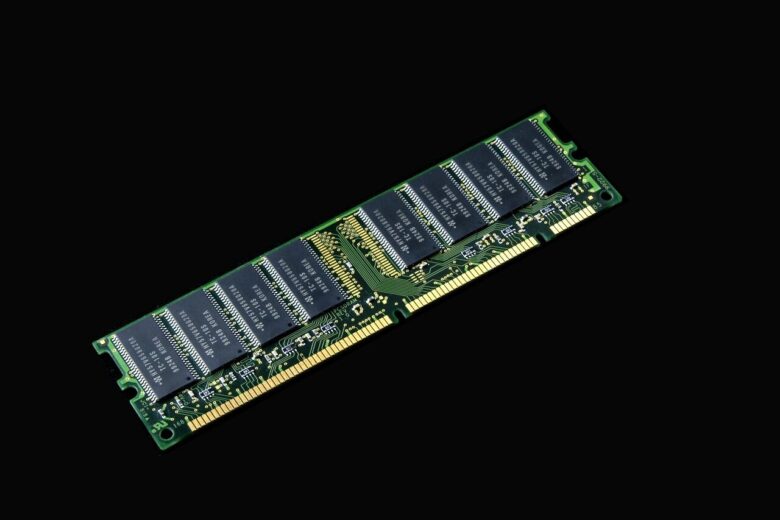
This section helps readers plan memory upgrades and verify whether components are compatible before installation. RAM compatibility involves more than matching DDR generation: motherboard support, processor memory controllers, firmware, DIMM layout, supported capacity, module rank, frequency, and physical form factor can all affect the result.

The guides cover finding maximum supported memory, checking motherboard and CPU requirements, mixing modules, installing desktop RAM, and understanding how applications use system memory. Whenever possible, readers should confirm the exact system or motherboard model in the manufacturer documentation and check the relevant memory support or qualification list.

Careful verification before purchasing an upgrade reduces the risk of boot failures, unstable configurations, unsupported capacities, and unnecessary spending.

How to Check RAM Compatibility With Your Motherboard and CPU

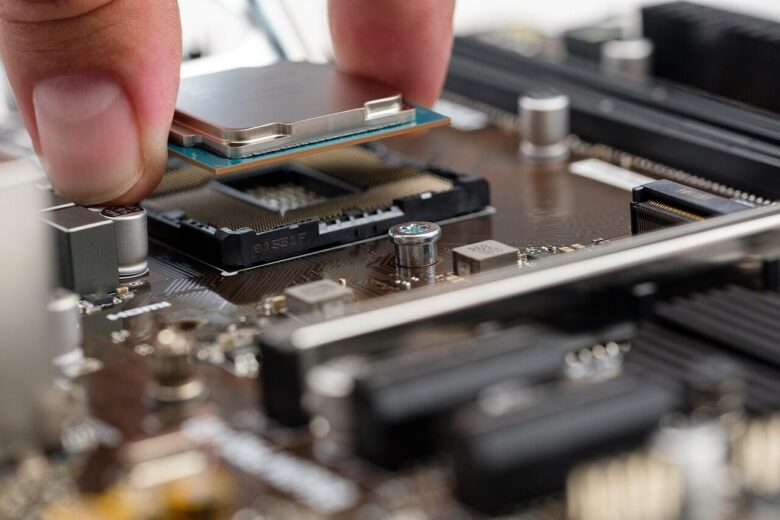
cpu, processor, chip, motherboard, circuit board, pc, computer, hardware, electronics, technology, smd, socket 1151, work, caution, cpu, cpu, cpu, cpu, cpu, processor, processor, chip, chip, chip, motherboard, motherboard

RAM compatibility depends on more than whether a module fits into a motherboard slot. The motherboard determines the supported memory generation and physical format, while the CPU’s integrated memory controller affects capacity, speed, and stable configurations. BIOS support, module layout, and the number of installed DIMMs can also change the result. Before ordering memory, verify …

Mixing RAM Brands and Capacities: Risks and Best Practices

memory, ram, computer, technology, electronics, component, laptop, digital, ram, ram, ram, ram, computer, computer, computer, computer, computer, laptop

Mixing RAM brands, capacities, or rated speeds can work, but successful installation does not guarantee stability. Memory modules in the same system must operate with settings that the modules, motherboard, and processor’s memory controller can all support. The safest upgrade is a matched kit purchased and validated as a set. When that is not practical, …

How to Find the Maximum Supported Memory for Your PC

keyboard, empty, computer, pc, keys, dementia, alzheimer's, memory, keyboard, keyboard, keyboard, keyboard, keyboard, dementia, dementia

Every PC has a maximum amount of memory it can use. The practical limit is determined by several parts of the system, including the motherboard, processor, firmware, and operating system. Installing memory beyond that limit may prevent the computer from starting, leave part of the capacity unavailable, or force the memory to run at reduced …

A Complete Step-by-Step Guide to Safely Upgrading Your Desktop RAM

brain, turn on, training, read, a book, school, to learn, think, reflect, judge, recall, wonder, strain your mind, give thought, weigh up, switch, brain, brain, brain, brain, brain, training, reflect, reflect, reflect, judge, judge, judge, judge, recall, recall, recall, wonder, switch

Upgrading desktop memory can improve responsiveness when the system regularly runs out of available RAM. The upgrade is usually straightforward, but compatibility, slot selection, and BIOS settings all matter. This guide covers how to select suitable memory, install it safely, verify the configuration, and troubleshoot common problems. Step 1: Identify the Motherboard and Current Memory …

Step-by-Step Guide to Allocating More RAM to Specific Applications

desk, work, business, office, finance, documents, analysis, application, brainstorming, computer, flatlay, information, laptop, marketing, notebook, objects, planning, startup, wooden table, workplace, workspace, business, business, business, business, business, finance

Windows does not provide a general control that assigns a fixed amount of physical RAM to an ordinary desktop application. Programs request memory as they need it, while Windows decides which data remains in physical memory and which data can be moved to the page file. You can still make more memory available to an …