

By Marcus Chen | Published: December 17, 2025 | Last Updated: May 9, 2026 When you install new memory in your system, it rarely runs at the speed printed on the box. That DDR5-6000 kit you bought? It is probably running at 4800 MHz until you tell the BIOS to use the faster profile. That …

By Marcus Chen | Published: June 22, 2025 | Last Updated: April 18, 2026 When you shop for memory, the frequency gets all the attention. DDR4-3600, DDR5-6000, these numbers are printed in large font on the box. But the frequency is only half the story. The timings, especially CAS latency, determine how quickly the memory …
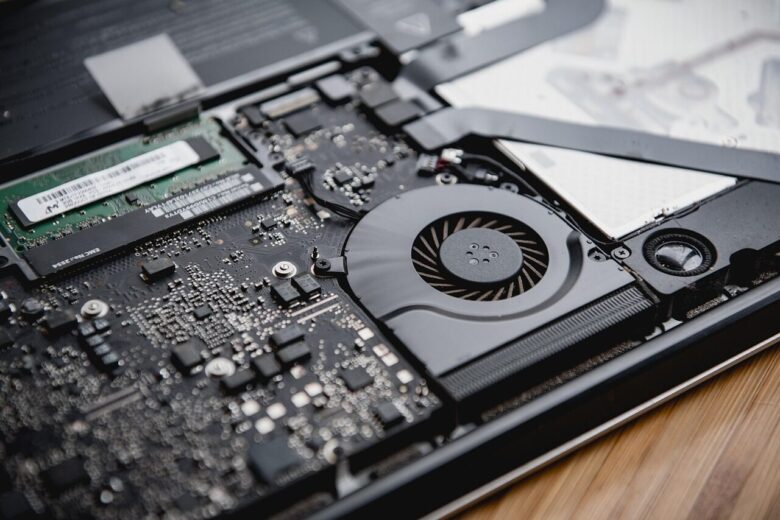
By Marcus Chen | Published: November 3, 2025 | Last Updated: April 22, 2026 Bad RAM is one of the most frustrating hardware problems because the symptoms are unpredictable. One day your system runs fine, the next day it crashes during a game, and the day after that it refuses to boot at all. I …
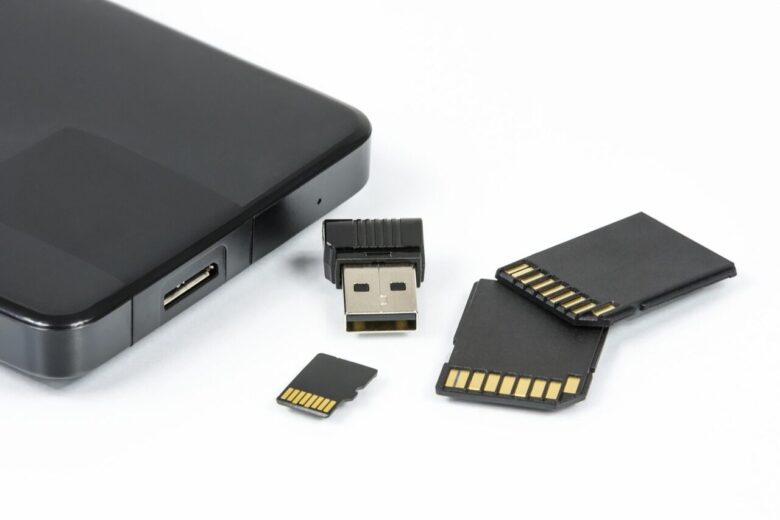
By Marcus Chen | Published: November 10, 2025 | Last Updated: April 30, 2026 Windows has a memory management quirk that confuses many users. Your system shows high memory usage even when you are not running many applications. Task Manager reports 80 or 90 percent memory utilization, yet the processes list does not add up …
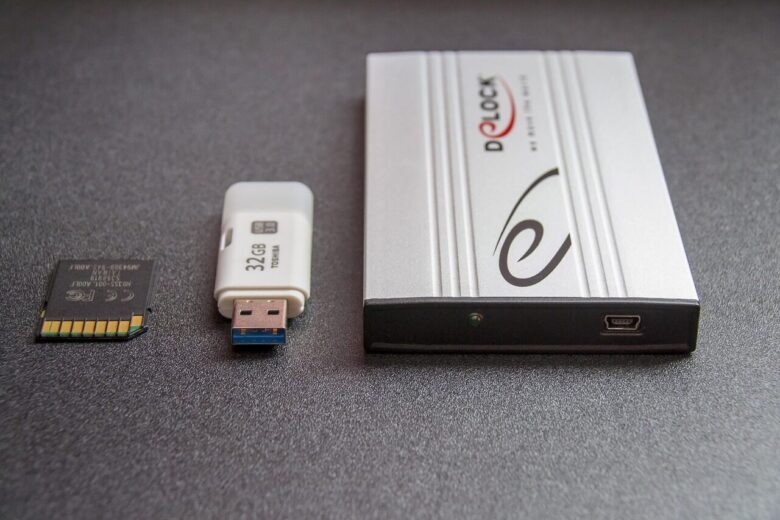
By Marcus Chen | Published: April 11, 2026 | Last Updated: June 11, 2026 High memory usage and memory leaks are two of the most frustrating problems you can face on a Windows PC. They cause slowdowns, freezes, application crashes, and in severe cases, complete system instability. I have dealt with both issues across dozens …