
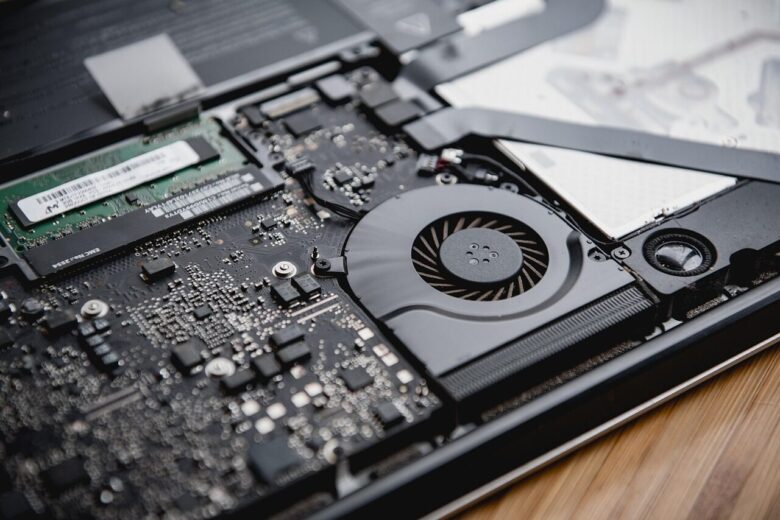
Bad RAM can cause crashes, freezes, corrupted data, and boot failures, but those symptoms can also come from unstable BIOS settings, drivers, storage devices, the CPU’s memory controller, or the motherboard. A reliable diagnosis therefore requires more than matching a crash to a list of symptoms. The safest approach is to return the system to …

A RAM upgrade can improve an aging laptop when limited memory is causing browser tabs, office applications, video calls, and background processes to compete for capacity. It is not a universal fix, however. The upgrade must match the laptop’s memory generation, physical format, supported capacity, and slot configuration. This guide explains how to determine whether …

Windows does not provide a general control that assigns a fixed amount of physical RAM to an ordinary desktop application. Programs request memory as they need it, while Windows decides which data remains in physical memory and which data can be moved to the page file. You can still make more memory available to an …

Windows often uses otherwise idle RAM as a file cache. This cached data may appear as standby memory in diagnostic tools, and Windows can normally reclaim it when applications need more memory. A large standby list by itself is therefore not evidence of a problem. Clearing standby memory can still be useful as a temporary …
High memory usage can make Windows feel slow, cause applications to stop responding, and increase storage activity as the operating system relies on the page file. A true memory leak is more specific: a process or driver repeatedly allocates memory without releasing it, so usage continues to rise until the process is restarted or the …