
4K video editing can place heavy demands on system memory, but resolution alone does not determine how much RAM a workstation needs. Codec, bit depth, frame rate, timeline complexity, effects, background applications, and the editing software all affect memory use. For many editors, 32 GB is a practical starting point. A 64 GB configuration offers …

Choosing DDR5 for a gaming PC is less about buying the kit with the largest frequency number and more about matching memory speed, timings, capacity, and profile support to the processor and motherboard. A well-matched kit can provide strong performance without the cost or stability challenges associated with extreme memory settings. The practical starting point …

New memory often starts at a conservative baseline rather than the speed printed on the package. A DDR5-6000 kit, for example, may initially operate at a lower JEDEC data rate until its performance profile is enabled in the motherboard firmware. This behavior improves the chance that a newly assembled or upgraded system will boot successfully. …
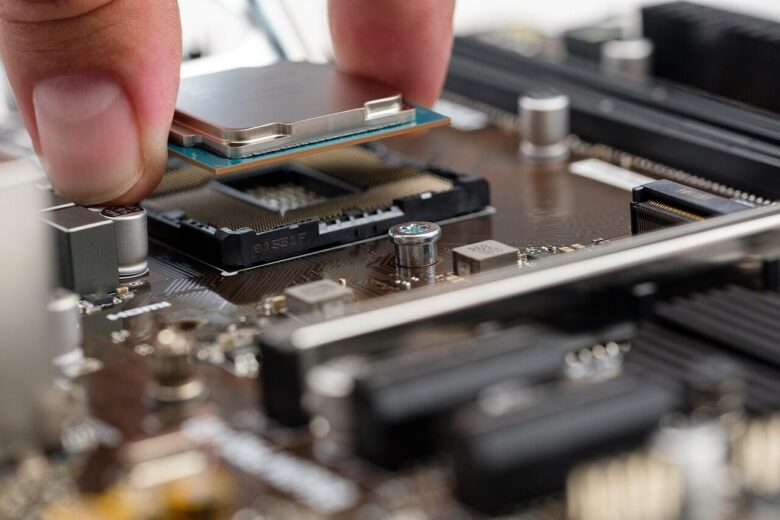
RAM compatibility depends on more than whether a module fits into a motherboard slot. The motherboard determines the supported memory generation and physical format, while the CPU’s integrated memory controller affects capacity, speed, and stable configurations. BIOS support, module layout, and the number of installed DIMMs can also change the result. Before ordering memory, verify …

Memory speed labels such as DDR4-3600 and DDR5-6000 describe data-transfer rate, but they do not tell the whole performance story. RAM timings specify how many clock cycles the memory needs for operations such as opening a row, locating a column, and preparing another row. Frequency and timings therefore need to be considered together. This guide …
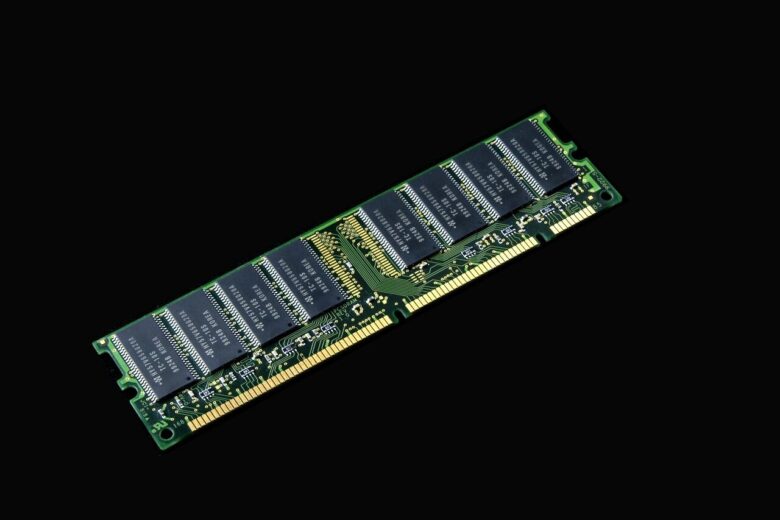
Mixing RAM brands, capacities, or rated speeds can work, but successful installation does not guarantee stability. Memory modules in the same system must operate with settings that the modules, motherboard, and processor’s memory controller can all support. The safest upgrade is a matched kit purchased and validated as a set. When that is not practical, …

Enterprise memory selection is not simply a matter of choosing a familiar brand and the largest available capacity. The DIMM type, generation, rank organization, operating speed, processor, motherboard firmware, and server vendor qualification list all affect compatibility. For systems that host databases, virtual machines, business applications, or other important workloads, error-correcting code (ECC) memory also …
Every PC has a maximum amount of memory it can use. The practical limit is determined by several parts of the system, including the motherboard, processor, firmware, and operating system. Installing memory beyond that limit may prevent the computer from starting, leave part of the capacity unavailable, or force the memory to run at reduced …
DDR5 provides more memory bandwidth, supports newer processor platforms, and offers greater capacity flexibility than DDR4. DDR4 remains useful for upgrading compatible systems and can still be the less expensive route when a suitable motherboard and memory kit are already available. The better value depends on the total platform cost rather than the memory price …

Upgrading desktop memory can improve responsiveness when the system regularly runs out of available RAM. The upgrade is usually straightforward, but compatibility, slot selection, and BIOS settings all matter. This guide covers how to select suitable memory, install it safely, verify the configuration, and troubleshoot common problems. Step 1: Identify the Motherboard and Current Memory …